



Interactive Museum Touchscreens & Kiosks: The Complete Planning Guide
Interactive museum touchscreens should do much more than display a slideshow. The best installations help people explore an artifact, compare historical periods and make discoveries together. Yet a successful exhibit also needs curatorial accuracy, accessible interaction, reliable public-space hardware and a plan for maintenance.

This practical guide covers the decisions behind interactive museum touchscreens and kiosks: exhibit types, real-time 3D content, technical specifications, accessibility, cost factors and a tender-ready procurement checklist. It is written for museum managers, curators, architects, municipalities and cultural organizations considering a new interactive exhibit.
1. Start with the visitor objective, not the screen size
Before discussing a 43-inch kiosk or a large multi-touch table, answer a simpler question: what should visitors understand or do after using the installation? They might inspect a fragile artifact, reconstruct a vanished monument, browse a collection, compare periods or understand the geography of an archaeological site.
Choose a primary audience and visitor journey. A family gathering around a historical harbor map needs a different interaction from an individual examining a high-resolution scan. A busy gallery also has different demands from a quiet research space. Define the goal in one sentence, then sketch the simplest interaction that achieves it.
Useful test: if the story remains clearer as a printed panel or short film, a touchscreen might not be the right investment. The interaction should contribute something a passive display cannot.
2. Which interactive museum format should you choose?
Different formats create different visitor experiences. The right solution depends on the content, available space and whether exploration is individual or collaborative.
| Format | Typical purpose | Design priority |
|---|---|---|
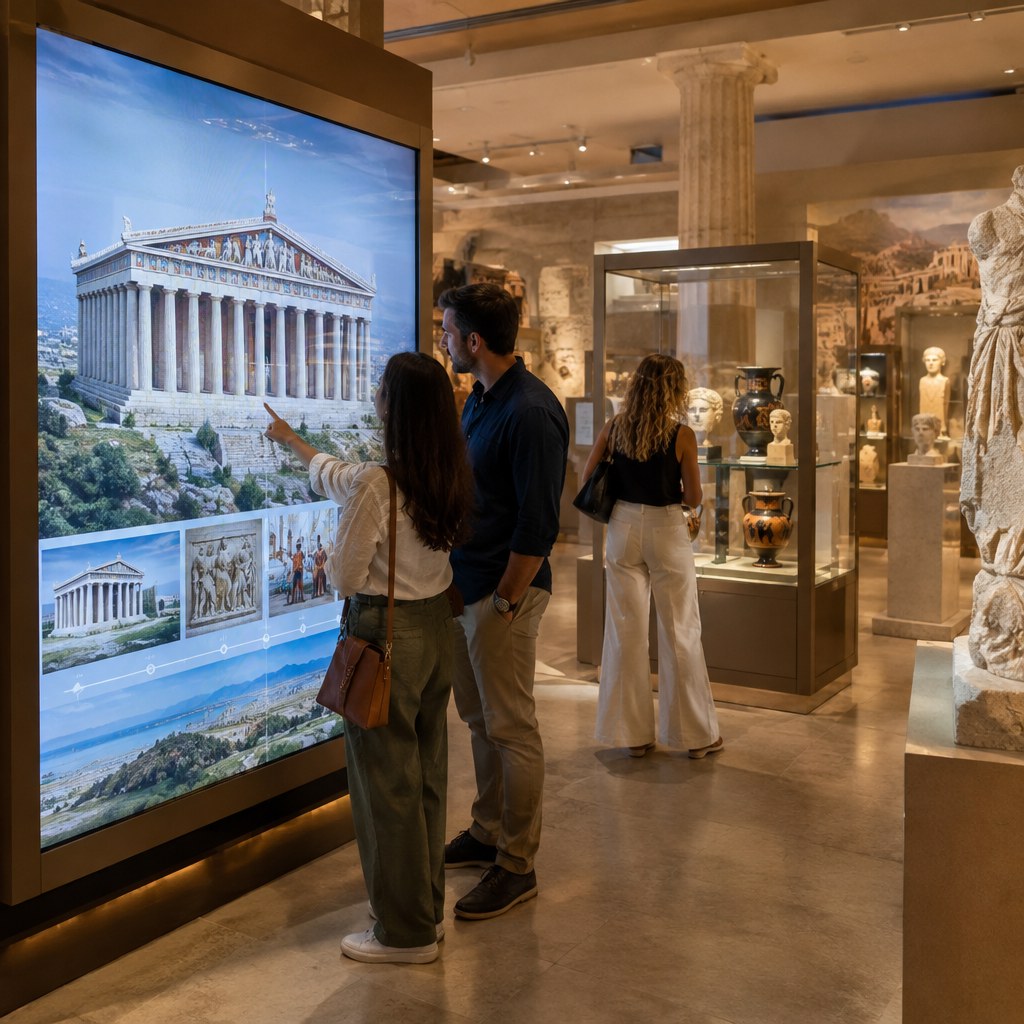
| Wall touchscreen kiosk | Collection browsers, maps and interactive timelines | Readable controls, glare and comfortable viewing height |
| Multi-touch table | Group learning, archaeological maps and shared discovery | Reach, accessibility and simultaneous visitors |
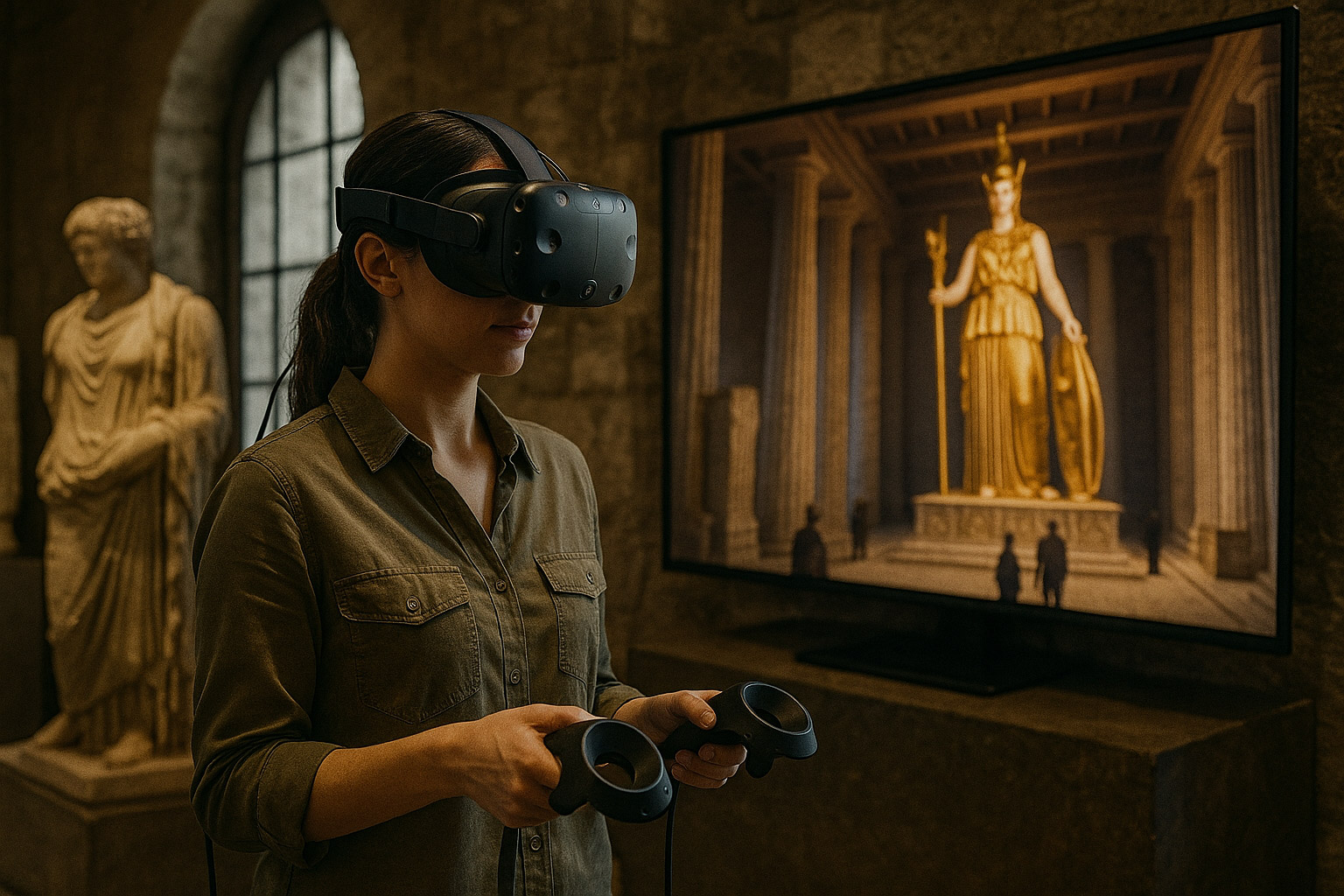
| Interactive 3D station | Rotate scanned objects, inspect monuments and compare reconstructions | Optimized 3D assets, intuitive camera controls and stable performance |
| Web-powered interactive kiosk | Content that changes frequently or is also used on personal devices | Offline fallback, security and controlled updates |
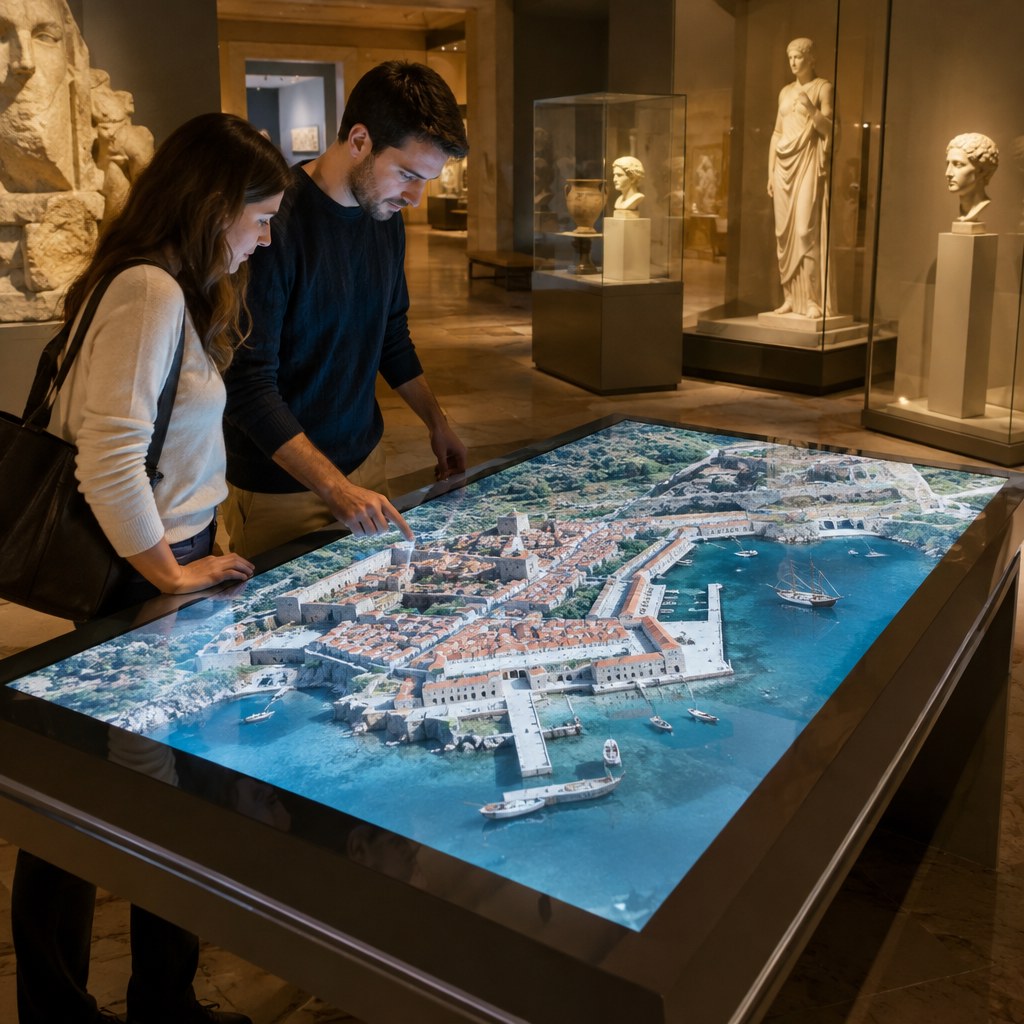
Touchscreens can complement, rather than replace, other formats. For the wider interpretive context, see how VR, AR and interactive 3D support museums.
3. Design the content before developing the interface
A touchscreen has to work for visitors who spend 30 seconds and for those who spend five minutes. Make the first screen immediately understandable; provide a strong visual focus and a small number of clear choices. Deeper layers should reward curiosity without trapping visitors inside complicated menus.
Useful approaches include before-and-after comparisons, an interactive chronology, touch-enabled archival photographs, multilingual object stories, interactive maps, a 360-degree digitized artifact or a simple quiz tied to a learning goal. A 3D reconstruction can show how a settlement changed over centuries, with visitors selecting a building to discover its function.
Agree on historical materials at the start: measured drawings, archival images, texts, available 3D scans, photogrammetry, narration, translations and usage rights. Ensure reconstructed details are clearly distinguished from confirmed evidence. Realism should not imply certainty when the historical record is incomplete.
4. Accessibility is both a physical and a software requirement
Check physical approach and reach, not only font size. Visitors who use wheelchairs, have limited mobility or prefer seated interaction should be considered while the kiosk location and enclosure are being designed. Build clear touch targets, readable text, contrast and navigation that do not depend exclusively on sound, color or fast gestures.
Provide appropriate language options, subtitles and audio alternatives. For sites welcoming international visitors, Greek and English are often starting points, but the actual language set should follow audience research. Test representative prototypes with people of differing ages and abilities. Accessibility should be an acceptance criterion, not a marketing claim.
In a technical specification, request evidence of how the proposed screen height, approach space, navigation and media alternatives will be assessed against applicable requirements. Testing on the final installed hardware is essential.
5. Hardware and software built for long museum opening hours
A consumer television and a commercial interactive display are not interchangeable merely because they have similar screen sizes. For permanent installations, review display duty cycle, touch accuracy, enclosure durability, ventilation, brightness, safe cable access, spare parts and local technical support. Avoid choosing equipment before testing it against the actual room lighting and viewing distance.
The application should automatically enter kiosk mode, recover after a power interruption and prevent visitors from accessing the underlying operating system. Decide whether it must work without internet, how updates are delivered and who can access administration tools. If usage analytics are collected, minimize personal data and document the privacy policy.
Request clear source-content ownership, third-party media licenses, documentation and a maintenance agreement. Discuss performance targets early when the installation uses complex 3D visualization or animation.
6. What does an interactive museum touchscreen cost?
There is no responsible universal price tag for interactive exhibits. A bilingual collection browser using existing images has a different scope from a bespoke real-time 3D reconstruction, specialist enclosure, several interactive stations and ongoing content support.
Compare proposals by separating seven cost drivers: curatorial research; writing and translations; UX/UI design; 3D modeling and media; software development; hardware and on-site installation; testing, training and support. The complexity and quality of source material can affect costs as much as display size.
One quote may include archival research, reconstruction, installation and a year of support, while another covers only the application. Ask bidders to identify included and excluded deliverables, assumptions about assets supplied by the client, licensing, warranty, revision cycles and update rates. This is more useful than comparing headline prices alone.
7. The implementation workflow that reduces costly revisions
- Visitor and curatorial brief: define what the exhibit teaches, audience, languages, floor-plan constraints and accessible alternatives.
- Asset inventory: collect texts, photographs, 3D models, rights and historical evidence; list missing inputs.
- Experience prototype: approve a representative visitor journey, screen layout and interaction before full production.
- Content and software production: develop UI, imagery, real-time 3D, translations and the museum’s review process.
- Acceptance testing: test on the final hardware, including power recovery, offline behavior, accessibility, readability and staff operations.
- Handover: provide operating instructions, training, agreed source/delivery files and a support and update plan.
For a public tender, link payments to deliverables and review stages. State the number of approval rounds and who signs off on curatorial accuracy. Without a clear approval workflow, a small change in interpretation may become an expensive redesign.
8. A procurement checklist for museums and cultural organizations
When you request offers, give each potential supplier the same technical brief. Include:
- Learning goal, visitor groups and typical visit duration.
- Gallery plans, available space, lighting, power, network and public-access requirements.
- Number, orientation and type of screens; expected simultaneous visitors.
- Languages, audio, subtitles, typography and accessibility requirements.
- Existing archaeological material, rights-cleared images, scans, drawings and 3D assets.
- 3D interaction requirements, performance and whether core content works offline.
- Content management permissions, security, updates and privacy policy.
- Milestones, review rounds, on-site testing, staff training, warranty and maintenance.
Clarify whether hardware procurement, architectural design, new 3D reconstruction, native source files and content updates are included. This makes offers comparable and reduces ambiguity after contract award.
9. Practical experience: interactive 3D beyond the museum
Fourthedesign’s published 70-inch real-time touchscreen project in Jubail, Saudi Arabia let users navigate a large 3D urban presentation, change viewpoints and filter information. This was an architectural and urban presentation, not a museum exhibit. It nevertheless demonstrates the interface design, 3D optimization and public-display interaction challenges relevant to museum applications.
For cultural organizations, comparable design thinking can support archaeological site maps, collection browsers, tactile learning stations or gesture-based interactive exhibits when visitors should interact without touching a screen. The right technology always follows the collection and audience.
Frequently asked questions about museum touchscreens
Can the kiosk work without internet?
Yes. Core media and interactive functions can be installed locally. Specify how content updates and any optional analytics will operate when a controlled connection becomes available.
Can existing 3D scans be used?
Often, but point clouds and dense photogrammetry meshes may need optimization, simplified controls or different formats for smooth, real-time interaction on the target kiosk.
Do we need custom software?
Not always. A standard platform may be sufficient for simple image and text browsing. Custom software is more suitable for bespoke 3D interaction, complex collections or integration with existing museum systems.
How can we measure results?
Combine visitor observation, comprehension questions, completion rates, device reliability and accessibility feedback. The time visitors spend at a screen is only one indicator.
Plan your next interactive museum installation
Fourthedesign develops visitor-focused interactive software, 3D content and digital experiences for physical spaces. If you are preparing a concept or tender, contact the Fourthedesign team with the gallery floor plan, approximate station count, existing content and project goals for an informed discussion.

